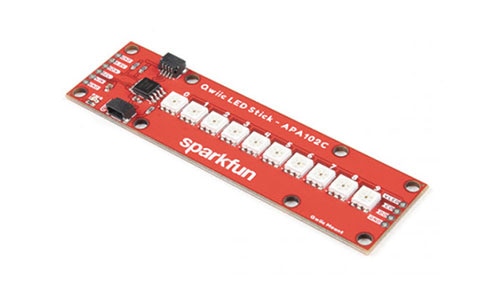
The SparkFun Pi Servo pHAT provides your Raspberry Pi with 16 PWM channels that can be controlled over I2C. These channels are broken out in a header combination that is perfect for connecting servo motors.
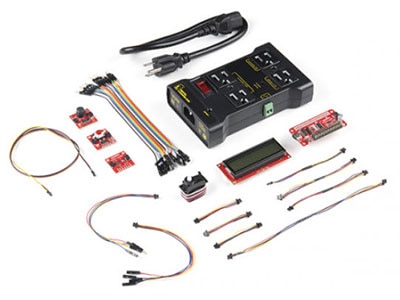
Machine learning has taken the technology world by storm. From smart email categorization to make it easier to sift through your inbox, to ML applications that decipher your handwriting and allow you to deposit checks on your mobile phone, to medical diagnosis like detecting cancer.
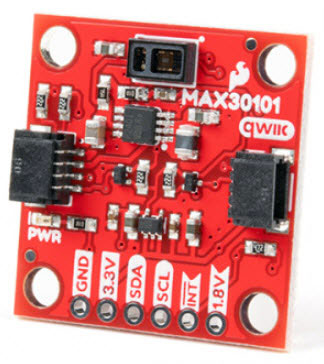
The SparkFun Photodetector - MAX30101 (Qwiic) is the successor to the MAX30105 particle sensor, a highly sensitive optical sensor. This tutorial will get you up and running to retrieve the raw data from the MAX30101 sensor.
We will cover some basics of controlling servos with code using the Arduino IDE and Python, and provide an example that requires no programming at all.
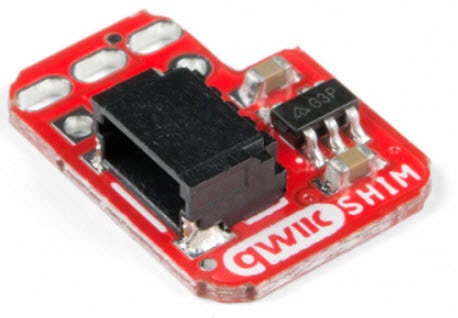
The Qwiic SHIM works great when you do not need a full Qwiic pHAT or if you want to add a Qwiic connector but do not have room for another HAT.
Co-Browse
By using the Co-Browse feature, you are agreeing to allow a support representative from DigiKey to view your browser remotely. When the Co-Browse window opens, give the session ID that is located in the toolbar to the representative.
DigiKey respects your right to privacy. For more information please see our Privacy Notice and Cookie Notice.





 Netherlands
Copyright © 1995-2026, DigiKey.
All Rights Reserved.
Terms & Conditions
Privacy Notice
Cookie Settings
Netherlands
Copyright © 1995-2026, DigiKey.
All Rights Reserved.
Terms & Conditions
Privacy Notice
Cookie Settings







 Settings
 Fast Delivery
 Free Shipping
 Incoterms
 Payment Types


 Marketplace Product