Bestellingen worden doorgaans binnen 3 dagen naar Nederland geleverd, afhankelijk van de locatie.
Gratis verzending naar Nederland bij bestellingen van EUR 50 of meer. Er worden bezorgkosten van EUR 18 in rekening gebracht voor alle bestellingen van minder dan EUR 50.
UPS- of FedEx freight-zendingen met vooruitbetaling: DDP (invoerrechten en douane betaald door DigiKey)
DHL freight-zendingen met vooruitbetaling: CPT (invoerrechten, douanerechten en btw verschuldigd op het moment van levering)
Kredietrekening voor gekwalificeerde instellingen en bedrijven
Vooruitbetaling per bankoverschrijving
![]()
![]()
![]()
![]()


Meer producten van volledig geautoriseerde partners
Gemiddelde verzendtijd: 1 tot 3 dagen, extra verzendingskosten kunnen van toepassing zijn. Raadpleeg de productpagina, de winkelwagen en de kassa voor de werkelijke verzendsnelheid.
Incoterms: CPT (Rechten, douane en toepasselijke BTW/belasting zijn verschuldigd op het moment van levering)
Voor meer informatie zie Hulp en ondersteuning
In this blog we will explore the general design that can be used to create a wireless two player game, like Run Along, Jump & Jump. We will start with the basic game design, focusing on how the core game functionality works in both single player and two player versions.
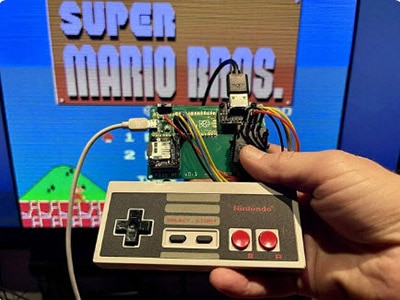
Use a Pico W or Pico 2W to bridge a wireless keyboard to a USB host.
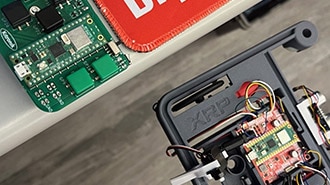
Discover how to set up the Kitronik Mini Controller for your XRP robot using MicroPython, including detailed code and instructions.
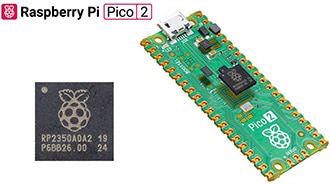
Discover the enhanced performance and features of the new Pico 2 and compare Pico 2’s RP2350 microcontroller to the original RP2040.
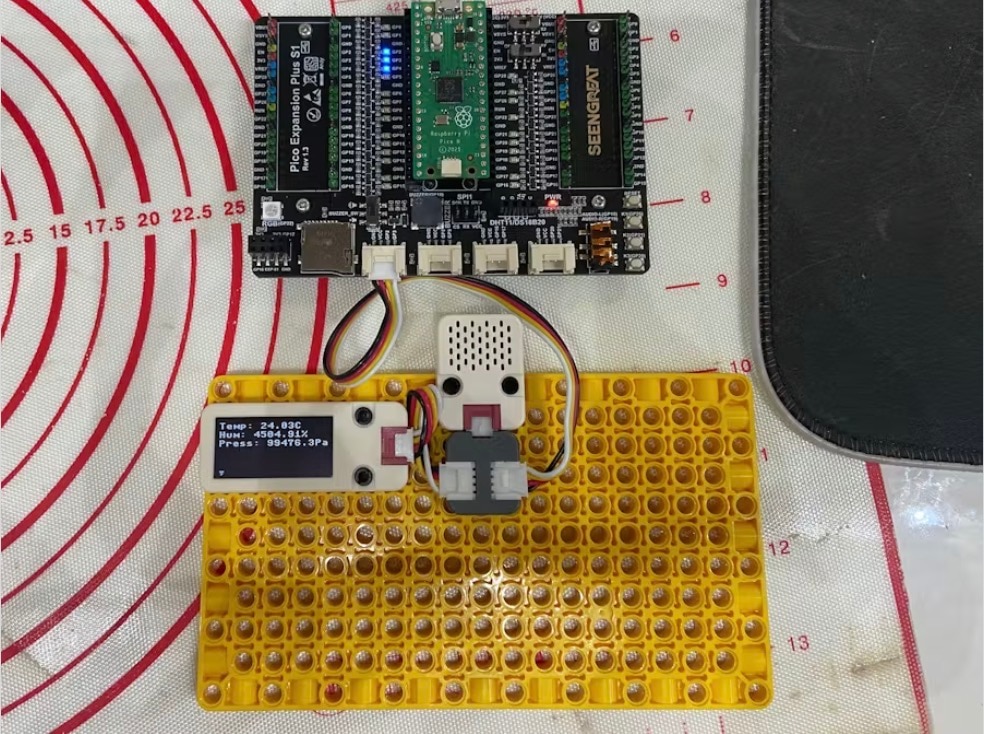
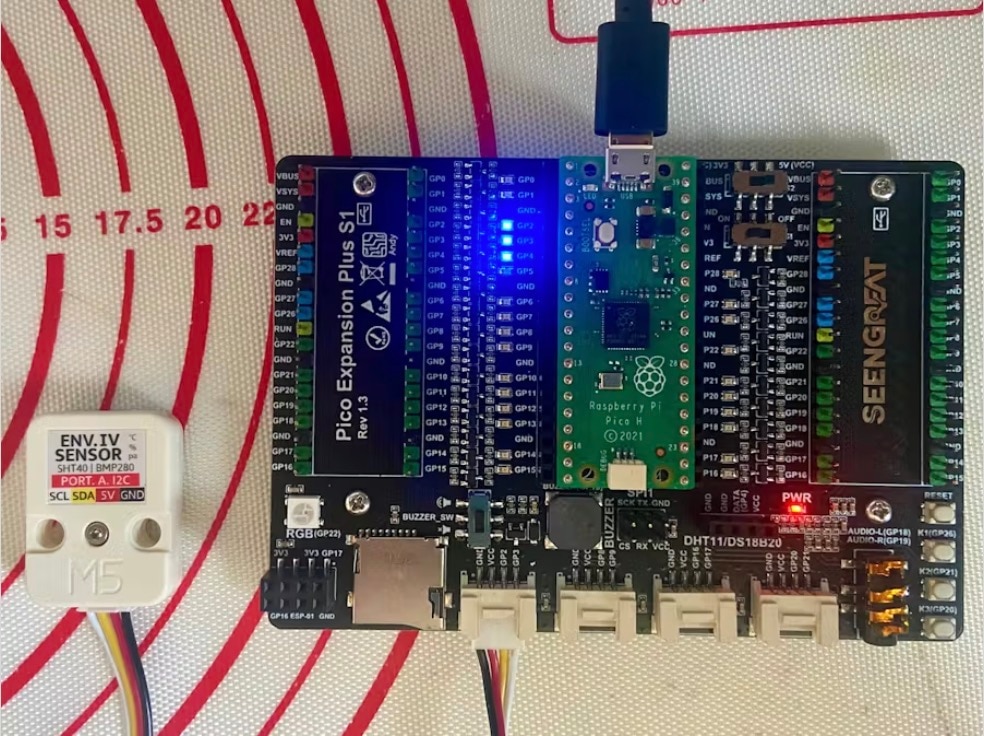
Expanding the Raspberry Pi Pico ENV IV guide to add an M5Stack OLED Unit.
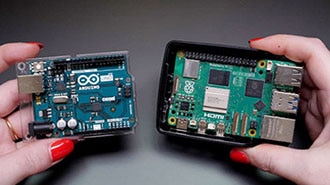
Understand the distinction between microcontrollers and single-board computers and explore their respective applications in DIY projects.
Program the M5Stack ENV IV in Micropython on the M5Stack Core and Raspberry Pi Pico W.
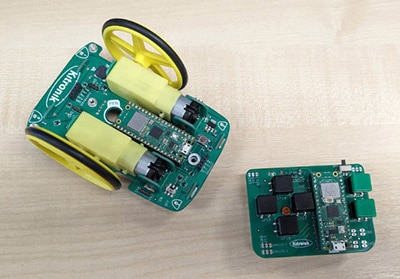
In this blog we are going to look at how to wirelessly control the Kitronik Autonomous Robotics Platform for Pico with the Kitronik Mini Controller for Pico. We will use two Raspberry Pi Pico W's, one in the ARP buggy and the other in the Mini Controller.
Learn how to set up your Pico, ready for Pimoroni addons.
Create CircuitPython libraries with ease using Cookiecutter: Beginner's guide to streamlined development. Boost productivity and unleash creativity!
Web connectivity made easy: Explore Adafruit IO, Arduino Cloud, IFTTT, and more. Connect and automate with ESP8266, ESP32, Particle, and Raspberry Pi Pico W!
Bedankt!
Houd uw inbox in het oog voor nieuws en updates van DigiKey
Voer een e-mailadres in
Vink het selectievakje aan